
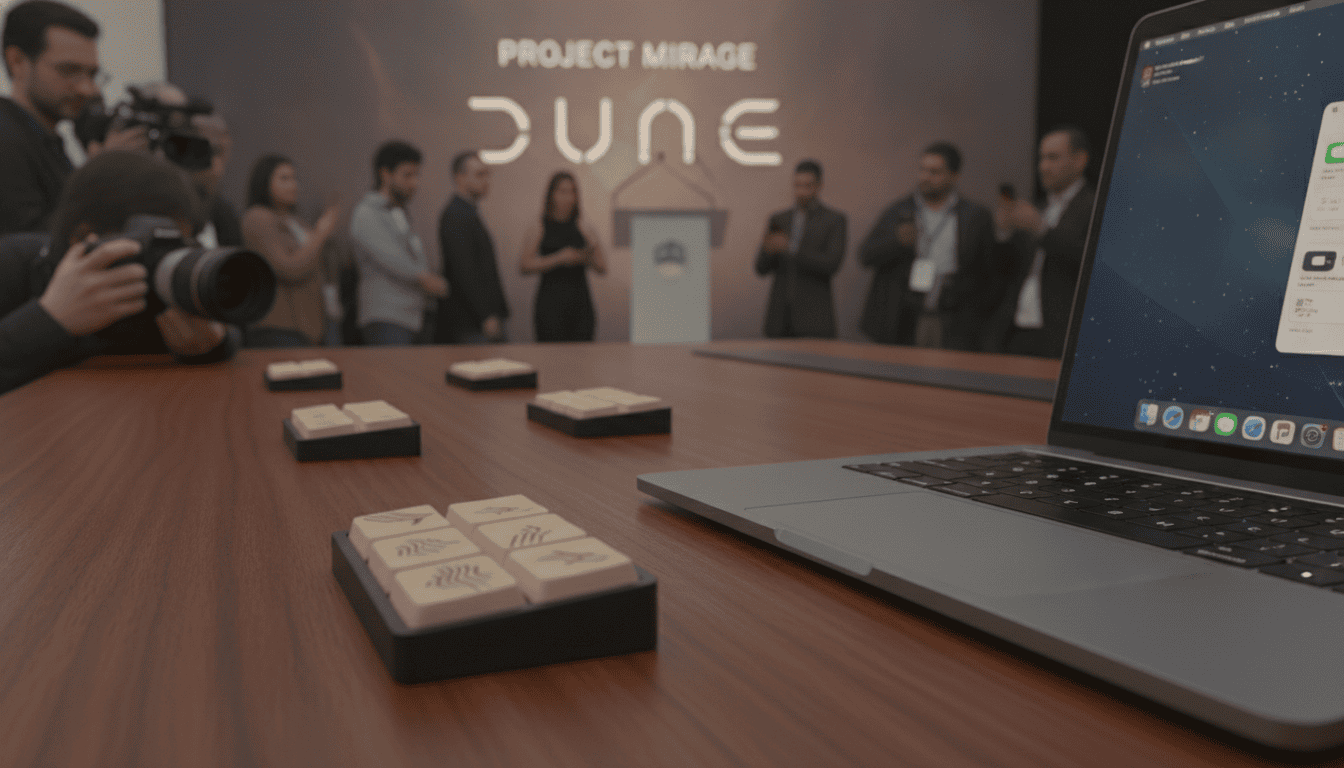
Project Mirage’s Dune brings a three-key USB-C keypad to MacBooks for app-aware mute, camera and workflow shortcuts
Project Mirage’s Dune is a compact three-key USB-C keypad for MacBook that offers app-aware shortcuts, calendar alerts and Claude integration; intro price $119, $149 later.
Project Mirage’s Dune, a palm-sized three-key USB-C keypad for MacBook, aims to simplify common meeting and productivity tasks with context-aware controls and tight macOS integration. The device, sized roughly like a stick of gum and machined from aluminum, connects directly to a laptop and adapts its three buttons to whatever app is in focus, from video calls to spreadsheets. Project Mirage launched an introductory price of $119 for early buyers, with a regular retail price set at $149 thereafter.
Design and Mac-specific fit
Dune’s enclosure is aluminum and built to match individual MacBook models so the unit sits flush against the case with no gap underneath. The startup says this model-specific machining allows the keypad to plug into a MacBook’s USB-C port without a loose fit, and users who need an alternate configuration can attach it through a dongle. There is no battery in Dune; it draws power from the host MacBook and requires no separate charger.
Three keys that change with your apps
The keypad exposes only three physical buttons, but they change function depending on the active application or website you are using. In meeting apps the keys can toggle microphone, toggle video and bring the meeting window to the front, while in Sheets or Excel they can map to copy, paste and undo. Developers and power users can assign those keys to more advanced commands in editors like VS Code or to GitHub actions, turning a tiny keypad into a bespoke hardware macro for different workflows.
Companion software, scripting and Claude integration
Dune ships with a companion app that configures shortcuts on a per-app or system-wide basis and syncs with the user’s calendar to surface upcoming meetings. For deeper customization the software supports Python scripting so users can write and run their own automations. Non-coders can use a built-in integration with Claude Desktop to describe desired shortcuts in plain language and have the assistant generate and assign the action, reducing setup friction for complex tasks.
Marketplace potential and existing limitations
Project Mirage includes a skills marketplace inside the app where owners can discover and share pre-built shortcuts and automations created by other users. If the marketplace grows, the hardware could act as a thin front end to a larger ecosystem of Claude-powered skills and third-party contributions, strengthening retention. At present the selection of available skills is limited and the app does not let users preview a skill before assigning it to a physical button, a gap the company could address to improve adoption and experimentation.
User experience: responsiveness and accidental presses
Hands-on use highlights both strengths and weaknesses. The keypad feels premium in its finish, but its keys require relatively little resistance to activate, which led to accidental presses while reaching for a nearby cup or bottle. Those unintended activations have, in some cases, unmuted a meeting or toggled the camera, indicating that the device could benefit from stiffer switches or a configurable debounce option in software. Overall responsiveness is strong, but tactile feedback and accidental-press safeguards remain areas for refinement.
Compatibility, pricing and market position
Dune currently supports Macs with M2 Air or later and M1 Pro or later chips running macOS 15 Sequoia or newer versions, according to the company’s compatibility list. After the introductory $119 price expires the device will retail for $149, positioning it between single-purpose mute dongles and more fully featured macro pads. Compared with single-function gadgets like mute-only devices, Dune offers broader customization, and it sits as a simpler, focused alternative to larger macro controllers such as the Stream Deck for users who want minimal hardware footprint.
The keypad’s strongest appeal is to users who frequently toggle mic and camera controls or who run repeatable, app-specific shortcuts during daily workflows. For investors, founders and operators who need quick company briefings or content professionals who convert images and upload often, the ability to script and invoke tailored shortcuts can save seconds that add up across a workday. Project Mirage still needs to expand the marketplace, add stronger tactile design, and offer a preview mode for skills to unlock wider consumer confidence.
Early adopters will find Project Mirage’s Dune to be a clever, compact tool for reducing friction in meetings and routine tasks, but its long-term traction will depend on continued software polish and a richer marketplace of prebuilt skills.
