
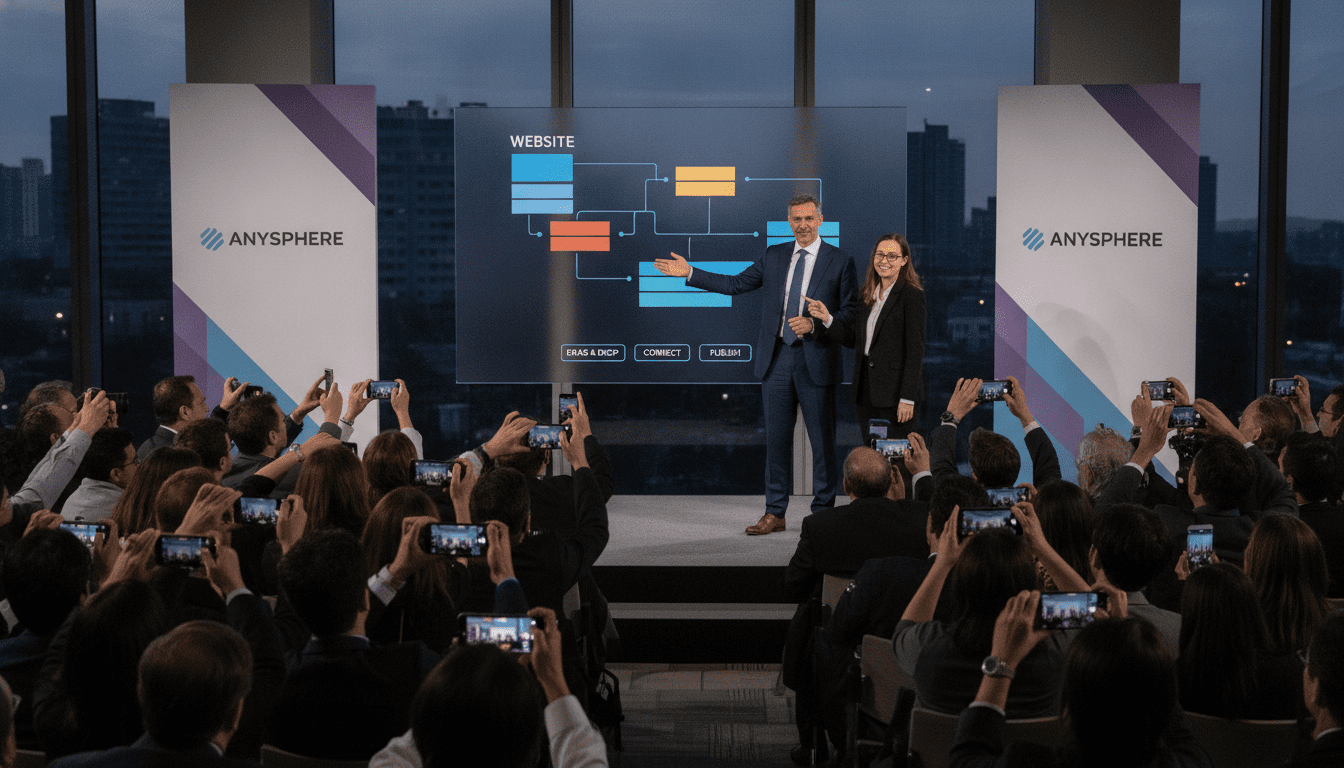
Anysphere’s Cursor Brings AI-Powered Coding to Non-Programmers
Anysphere’s Cursor AI coding assistant enables users without programming experience to generate code for websites and applications, reflecting a fast-growing trend in AI-driven development tools.
Anysphere is developer of Cursor
Anysphere is the company behind the programming assistant Cursor, an AI-powered agent designed to translate user intent into working code. The tool targets people who lack formal programming training but need functional web and app components quickly.
Cursor combines natural-language prompts with code generation, aiming to shorten the time between concept and prototype. The positioning of Cursor underscores broader investment in AI assistants that democratize technical tasks.
How Cursor lets non-programmers create code
Cursor accepts plain-language instructions from users and produces code snippets or complete templates for web pages and simple applications. The assistant handles routine tasks such as layout scaffolding, form handling, and basic interactivity, which are common barriers for newcomers.
Users can iterate with follow-up prompts to refine behavior or appearance, making the workflow conversational rather than strictly technical. This design lowers the entry threshold for creating tools that once required specialist skills.
AI agents meet web and app development demand
The ability to generate website and application code through conversational AI responds to growing demand for rapid digital delivery. Businesses, solo founders, and content creators increasingly seek tools that reduce reliance on dedicated engineering teams for initial builds.
Cursor exemplifies a broader category of AI agents that streamline development workflows by automating repetitive coding tasks. As organizations prioritize speed and flexibility, such assistants can shorten prototyping cycles and support small teams in shipping features faster.
Advantages and practical limits of Cursor
Cursor’s primary advantage is accessibility: it lets non-programmers produce usable code without learning syntax or development environments. This can accelerate the creation of landing pages, proof-of-concept apps, and internal tools where speed matters more than scale.
At the same time, generated code may require review and adaptation for production-level concerns like security, performance, and maintainability. Users should treat Cursor output as a starting point rather than a final deliverable when building complex or mission-critical systems.
Implications for businesses and creators
For small businesses and individual creators, Cursor lowers the cost of entry to digital product development and reduces dependence on outsourced or in-house developers for simple projects. Teams can iterate on ideas faster, test market fit, and hand off refined requirements to engineers later in the lifecycle.
Enterprises evaluating Cursor-style assistants should establish governance around code review, testing, and compliance to manage risk. Integrating these tools into existing development practices allows organizations to preserve quality while benefiting from increased productivity.
Adoption considerations and user experience
Adopting Cursor requires assessment of project scope, expected code quality, and integration needs. The tool excels at generating front-end components and prototypes, but organizations should plan for transition paths to full engineering implementations when projects scale.
Training users to write clear prompts and to validate generated code improves outcomes and reduces rework. Combining human oversight with AI efficiency produces the best balance between speed and reliability.
Cursor represents a practical example of how AI agents are expanding access to software creation, enabling more people to convert ideas into working digital products. While not a substitute for professional development in all contexts, Cursor and similar assistants are reshaping who can participate in building websites and apps, and how quickly they can do so.
